Operate
Sheets
Process hundreds of inputs in parallel. Each column can be an Agent, with outputs flowing across the sheet, step by step, with every intermediate step visible and editable.
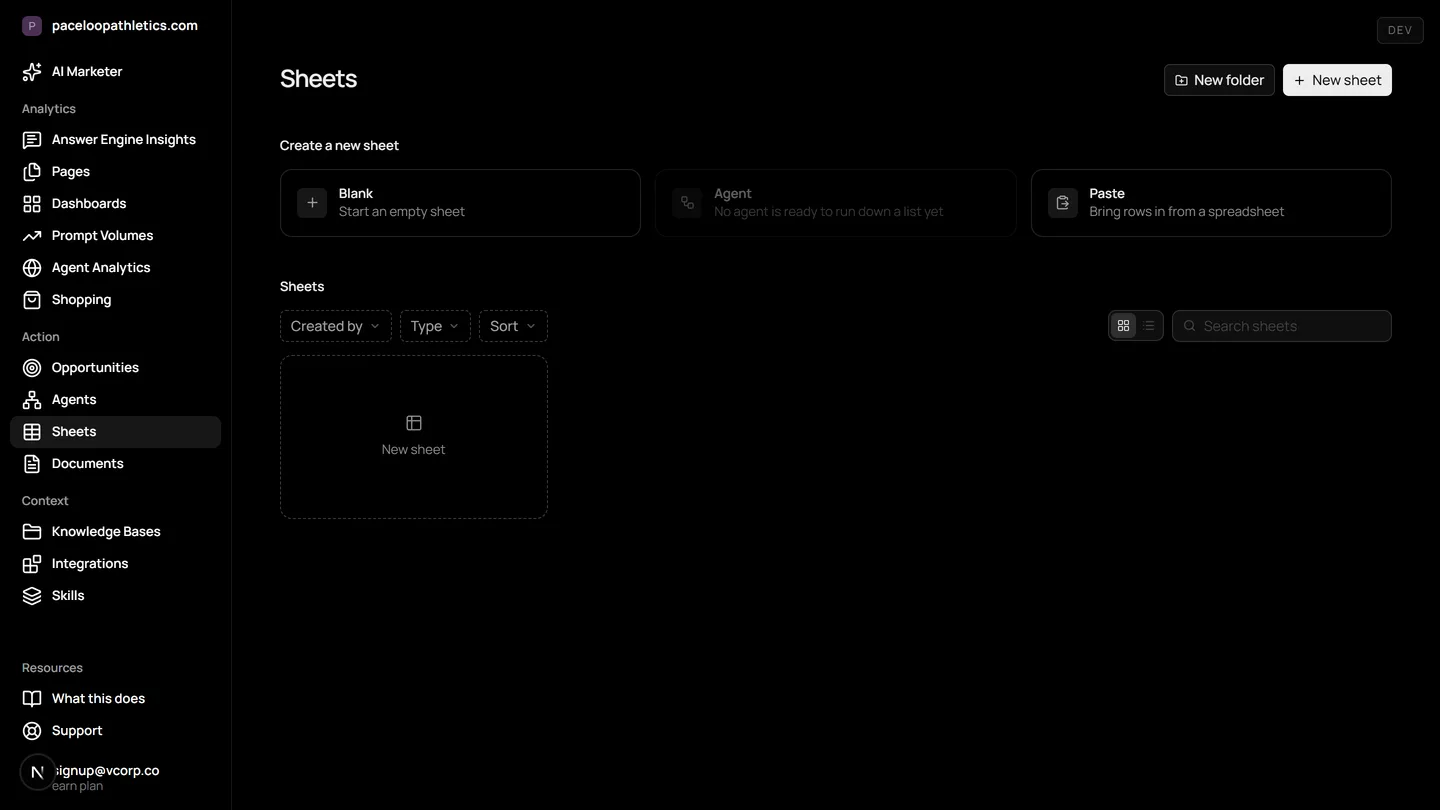
To run AI agents in bulk means to execute automated workflows across hundreds of data points at once, a task Mentionry handles with its Sheets feature. This is essential for scaling marketing efforts in an era where buyers ask ChatGPT, Gemini, and Google AI Overviews for advice. Sheets deploys your AI agents across a spreadsheet, letting you score pages, draft replies, or analyze competitors in parallel, with every step visible.
Understand and control your AI presence
A column is an Agent
Add a column, choose a template, map its input to an earlier column. Rows run in parallel and each cell links to the run behind it.
Outputs feed inputs
A score in one column, a rewrite in the next, a document link in the third, with every intermediate step visible and editable.
Where it lives in the platform
In the product it is /dashboard/sheets. On the trial it reads your own site from the first day; on Starter it keeps going, and on Enterprise it runs for every brand you have under one login.
What it means to run AI agents in bulk
Running AI agents in bulk is the process of applying the same automated task to a large list of items simultaneously. Instead of asking an AI to analyze one webpage or draft one email, you give it a spreadsheet of hundreds of URLs or topics and execute the analysis in one go.
This capability matters because modern buying starts in answer engines. A prospect might ask Perplexity for the best project management software, and the answer cites three brands. To compete, your marketing team needs to understand how you are mentioned across thousands of such conversations, and then act at scale. Manual work does not scale to the volume and speed of AI search.
Why bulk workflows are critical for AI search
Traditional SEO dealt with a list of blue links. AI search returns a single, synthesized answer. Your brand is either named in that paragraph or it is absent. The sources it cites become the new currency of visibility.
This shift demands a new kind of marketing operation. You must monitor not just for your brand name, but for the questions where you should appear. You must identify which of your pages are being cited, and which are ignored. And you must find opportunities to be included, then act on them in volume. Running AI agents in bulk is how you operationalize this, turning insights into actions across hundreds of data points without manual bottlenecks.
How Sheets works in Mentionry
Sheets is a spreadsheet interface inside Mentionry where each column is a configured AI Agent. You start with data in your first column, like a list of URLs from your Opportunities screen or article titles from your Monitor.
You add a new column and select an Agent template, such as 'Score page relevance' or 'Draft a pitch'. You map the Agent's input, like the page URL, to a previous column. When you run the sheet, the Agent executes on every row in parallel. Each cell shows the output and contains a link to the full, detailed run history for that row.
Outputs from one column can become inputs for the next. You could have a column that fetches a page's meta description, a second that scores its clarity, and a third that rewrites it. Every intermediate result is visible and editable before it flows to the next step.
Concrete workflows to run AI agents in bulk
Here are practical ways a marketer uses Sheets in a week. Open the Opportunities list and filter for 'journalist requests'. Export the list of topics and outlets to a Sheet. Your first Agent column drafts a personalized pitch for each request based on your brand kit. A second column scores each draft for alignment with the reporter's stated beat. You review the scored drafts in the Document editor and approve the best ones for sending.
For competitive analysis, create a sheet with rows for each key competitor. The first Agent pulls their most recent blog titles from their RSS feeds. The next analyzes the sentiment of each title. A third column suggests a counter topic for your own editorial calendar. You now have a bulk analysis of competitor messaging themes.
Use it for bulk page scoring. After Monitor shows which of your pages are cited by ChatGPT and Google AI Overviews, list the uncited pages in a Sheet. Run an Agent that evaluates each page's clarity and answer depth. Use the output to prioritize which pages to rewrite for better AI visibility.
How to read the results
A Sheet gives you a matrix of outputs. A change in a score column, like a drop in page relevance, flags a row for review. The link in the cell shows you the AI's reasoning, so you can understand the 'why' behind the score.
It is important to remember what these numbers are not. A score generated by an Agent is an assessment based on the instructions and knowledge you gave it. It is not a promised predictor of future ranking or citation. The value is in consistent, scalable prioritization. The trap is treating the output as an absolute truth without reviewing the underlying run details for context and potential bias.
Limitations and what is not there yet
Sheets is designed for structured, batch processing of tasks defined by your Agents. It is not a real time alerting system. A sudden sentiment drop in your Monitor readings will not automatically populate a Sheet, you would need a scheduled Agent to do that.
There are no specific row limits published for Sheets. Performance is bound by your plan's monthly Agent run allowance. The feature does not include native data visualization charts within the sheet grid, analysis of the outputs is done by reviewing the columns or exporting the data.
Plans and access
Sheets is available on every Mentionry plan. The free seven day trial includes it, allowing you to run AI agents in bulk on up to 50 prompts a day across ChatGPT, Gemini, and Google AI Overviews.
The Starter plan, at $99 a month, includes 100 Agent runs a month, which fuels your Sheets workflows. The Enterprise plan provides higher run limits, more concurrent seats for team collaboration on sheets, and access to additional engines like Claude and Perplexity for your bulk processing. Specific limits for Enterprise are set on the quote.
Questions
As many as your plan's agent runs allow: a hundred a month on Starter, more on Enterprise.
Get your brand mentioned by the answer engines
Reach millions of consumers who are using AI to discover new products and brands. The first 7 days are free and take no card; Starter is $99 a month after that, and Enterprise is tailored.